|
|
1. Registration and the Procedure
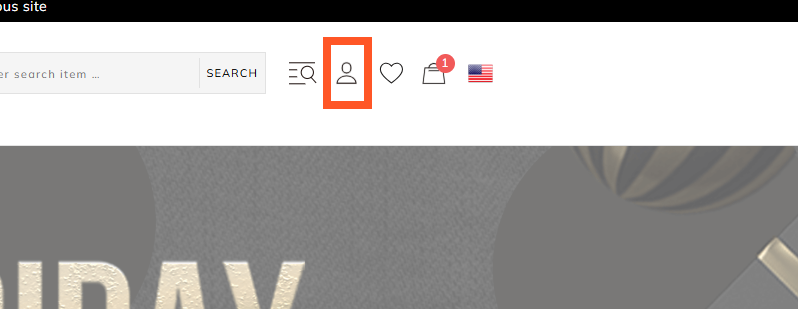
1. Click the profile icon in the top-right corner
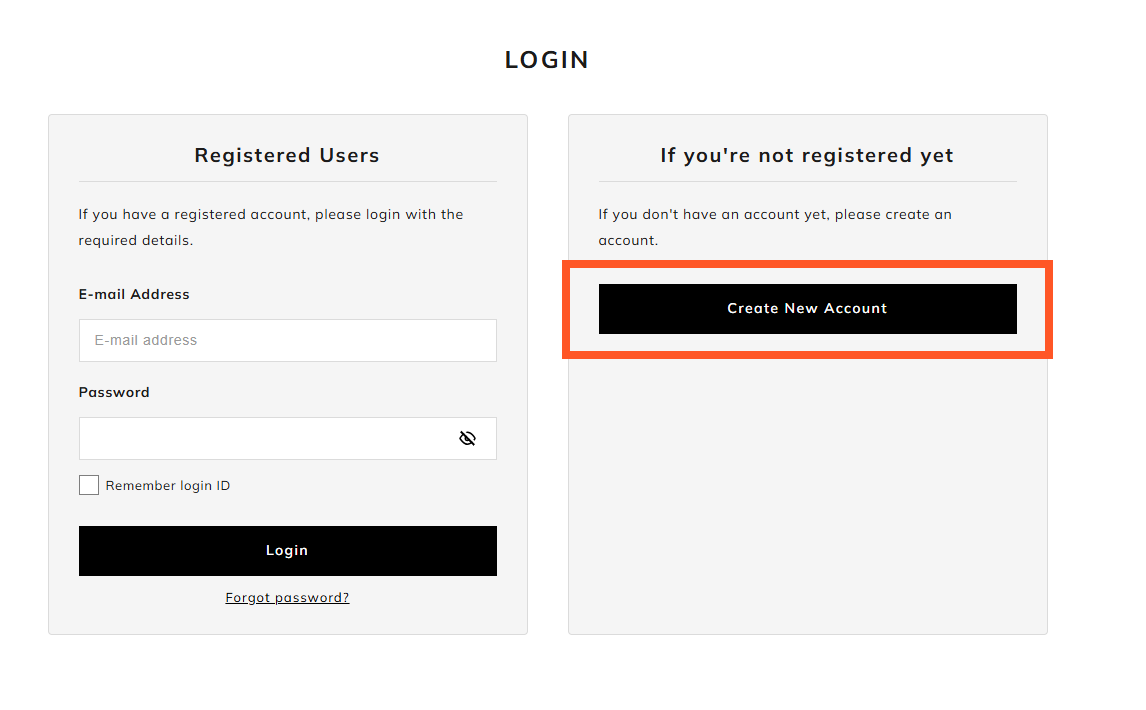
2. Click the 'Create New Account'
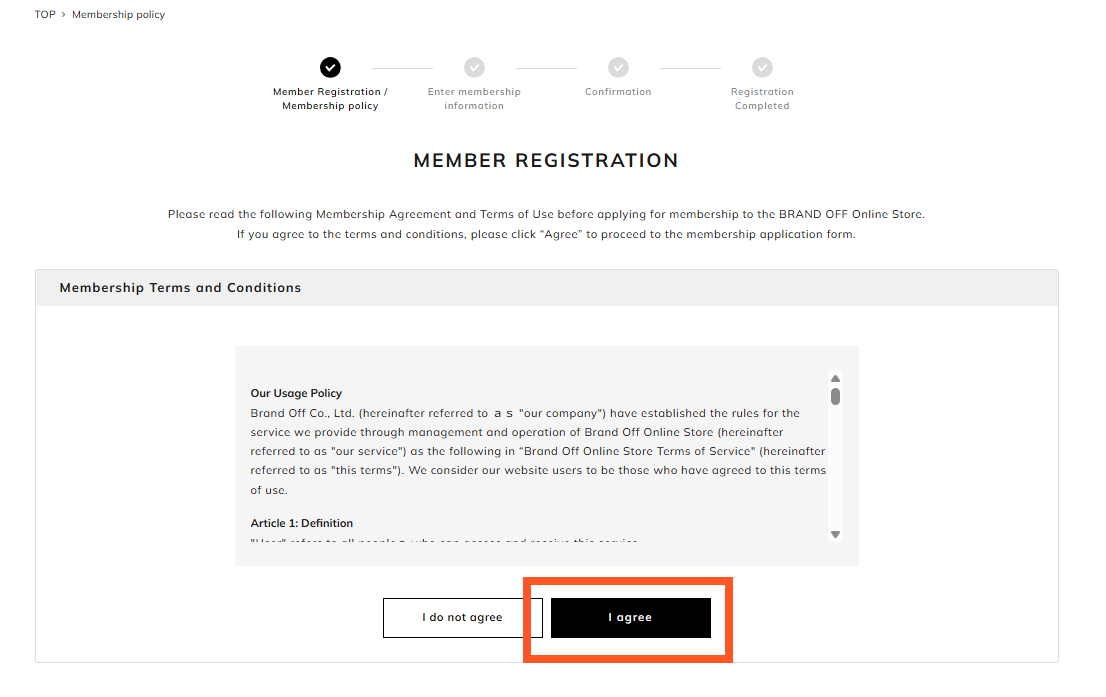
3. Membership policy
(1) Please read the Membership Terms and Conditions
(2) After that, click the 'I agree' button
4. Fill in Information
After you have entered your information and password, please click the 'Confirm' button
5. Confirmation
After confirming, please click the 'Register' button
Change in Membership Information
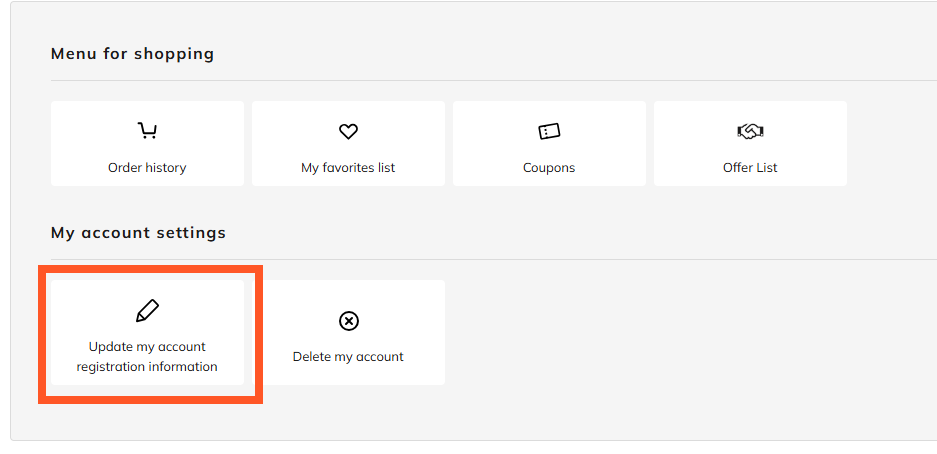
After you log in, click on 'Update my account registration information' in My Account Settings, make the necessary changes, and then click the 'Confirm' button.
*You need to login
Password
After you log in, you can change your password by clicking Update my account registration information in My Account Settings.
If you forget your password, please contact us.
|
|